 WhatIs.site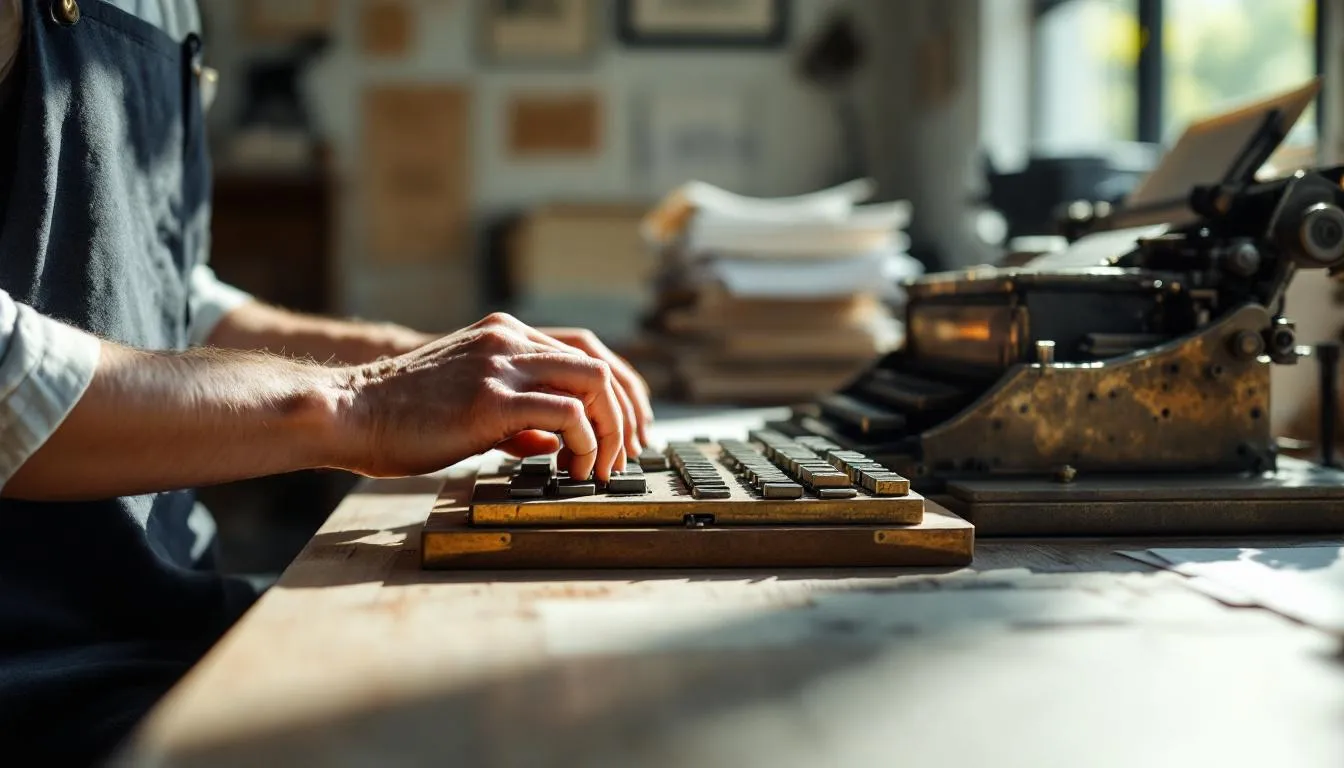
Table of Contents
What Is Typesetting?
Typesetting is the process of arranging text — letter by letter, line by line, page by page — for printing or digital display. It’s the step between having written content and having that content look right on a page. Before a single copy gets printed or a webpage goes live, someone (or some software) has to decide where every character sits.
Gutenberg Changed Everything (But He Didn’t Invent It)
Johannes Gutenberg gets credit for inventing movable type in Europe around 1440, and that credit is deserved. His system of individual cast metal letters that could be arranged, printed, disassembled, and rearranged made mass printing economically viable for the first time in European history.
But — and this matters — Bi Sheng in China had already created movable type from fired clay around 1040 CE, roughly 400 years earlier. Korea developed metal movable type in the 13th century. Gutenberg’s contribution wasn’t the concept but the complete system: durable metal alloy type, oil-based ink, and a screw press adapted from wine presses. Together, these made printing fast, consistent, and scalable.
How Manual Typesetting Worked
For roughly 500 years after Gutenberg, typesetting was a physical craft performed by compositors — skilled workers who assembled type by hand.
The compositor stood at a type case — a large wooden tray divided into compartments, each holding copies of a single character. Capital letters lived in the upper case (literally — the tray was physically higher). Lowercase letters sat in the lower case. That’s where those terms come from.
Using a composing stick — a small adjustable metal tray held in one hand — the compositor picked up individual pieces of type with the other hand, placing them letter by letter, word by word, line by line. Reading backward. In a mirror image. At speed.
A skilled compositor could set about 1,500 characters per hour. A newspaper page might contain 15,000 characters. Do the math — that’s ten hours of work for a single page, assuming no mistakes. Errors meant digging out the wrong letter and replacing it, which is where the term “typo” (short for typographical error) comes from.
After the page was composed, locked into a metal frame (a “chase”), and inked, it could print thousands of identical copies. When the print run was done, the type was distributed back into the cases for reuse.
The Machine Age: Hot Metal
The late 19th century brought machines that automated much of this labor. Ottmar Mergenthaler’s Linotype machine (1886) was the big one. Instead of assembling individual letters, the operator typed on a keyboard. The machine automatically assembled brass molds (matrices), cast an entire line of type in molten lead alloy, and returned the matrices to their storage channels — all mechanically.
The Linotype operator could set roughly 6,000 characters per hour — four times faster than hand composition. Newspapers adopted Linotype almost universally within a decade, and the machine remained the backbone of newspaper production for nearly a century.
Monotype, the competing system, cast individual characters rather than whole lines. This made corrections easier (change one letter, not recast the whole line) and was preferred for book work where quality standards were higher.
Cold Type and Phototypesetting
By the 1960s, hot metal was giving way to phototypesetting. Instead of casting physical letters in metal, phototypesetting machines exposed photographic paper or film through a negative of each character. The result was sharp, clean type that could be scaled to any size and output directly to printing plates.
This was faster, cheaper, and more flexible than metal composition. It also eliminated several tons of lead from the average print shop. The downside was that phototype machines were expensive and proprietary — each manufacturer’s system was incompatible with others.
Phototypesetting dominated the 1970s and early 1980s. Then desktop publishing arrived and swept everything away.
The Desktop Revolution
In 1985, three things converged: the Apple Macintosh computer, Adobe PostScript (a page description language), and Aldus PageMaker (later acquired by Adobe). Suddenly, a single person with a $5,000 computer could do what had required a roomful of specialized equipment.
The transition was brutal for traditional typesetters. Skills honed over decades became obsolete in a few years. Print shops that had invested heavily in phototypesetting equipment saw that investment evaporate.
But the democratization was real. By the early 1990s, anyone could set type. Whether they could set it well was another question. The early years of desktop publishing produced a flood of badly typeset documents — randomly mixed typefaces, inappropriate fonts, amateur spacing. Professional typesetters cringed.
What Good Typesetting Actually Looks Like
Good typesetting is invisible. You read the content without thinking about the type. Bad typesetting creates friction — your eye stumbles, lines feel cramped or loose, the page looks “off” in ways you can’t quite articulate.
Here’s what professionals pay attention to:
Line length. Optimal readability happens at 45 to 75 characters per line (including spaces). Too short and your eye bounces constantly. Too long and you lose your place returning to the left margin.
Leading (line spacing). The vertical gap between lines of text. Too tight and lines feel suffocating. Too loose and the text falls apart into horizontal stripes. Body text typically uses 120% to 145% of the type size.
Hyphenation and justification. Justified text (aligned on both left and right margins) requires careful hyphenation to avoid ugly gaps. Bad justification creates rivers — visible streams of white space running vertically through a paragraph. They’re distracting and mark amateur work instantly.
Widows and orphans. A widow is a final line of a paragraph stranded alone at the top of a new column or page. An orphan is a first line stranded at the bottom. Both look wrong, and fixing them requires adjusting the text flow — sometimes rewriting a sentence to gain or lose a line.
Typesetting Today
Modern typesetting happens in software, but the principles haven’t changed. Adobe InDesign handles most professional book, magazine, and brochure work. LaTeX, a free system beloved by academics and mathematicians, produces beautiful typesetting with a code-based approach. CSS controls how type appears in web browsers.
The irony is that most text people encounter today is set by software defaults — email clients, word processors, social media platforms. These defaults are usually acceptable but rarely good. The gap between default typesetting and professional typesetting is obvious to anyone who compares a self-published book with one from a major publisher.
That gap is the typesetter’s art. It’s the difference between text that just sits on a page and text that flows, breathes, and invites you to keep reading.
Frequently Asked Questions
What is the difference between typesetting and typography?
Typography is the broader art and theory of arranging type — choosing typefaces, sizing, spacing, and hierarchy to make text readable and visually effective. Typesetting is the specific process of arranging individual characters into lines, columns, and pages. Think of typography as the design philosophy and typesetting as the hands-on execution.
What software is used for typesetting today?
Adobe InDesign is the industry standard for professional book and magazine typesetting. LaTeX is widely used in academic and scientific publishing because it handles mathematical notation exceptionally well. QuarkXPress was dominant in the 1990s and still has users. For web typesetting, CSS handles type layout in browsers.
Is typesetting still a career?
Yes, though the job title has evolved. Professional typesetters now typically work as book designers, production artists, or prepress technicians. Academic publishers, book publishers, and design studios all employ people whose primary job is arranging text for maximum readability. The tools have changed from metal type to software, but the skill of making text look right on a page remains in demand.
Further Reading
Cite this article
APA
WhatIs.site. (2025). What Is Typesetting?. Retrieved May 27, 2026, from https://whatis.site/typesetting MLA
"What Is Typesetting?." WhatIs.site, July 15, 2025, https://whatis.site/typesetting. Accessed May 27, 2026. Chicago
WhatIs.site. "What Is Typesetting?." Last modified May 12, 2026. https://whatis.site/typesetting. HTML
<a href="https://whatis.site/typesetting">What Is Typesetting?</a> — WhatIs.site Related Articles
What Is Typography?
Typography is the art of arranging type to make text readable and appealing. Learn about typeface categories, hierarchy, spacing, and design principles.
arts amp cultureWhat Is Type Design?
Type design is the discipline of creating typefaces — the visual systems of letters, numbers, punctuation, and symbols that we read every day.
everyday conceptsWhat Is Publishing?
Publishing is the process of making content — books, magazines, newspapers, journals, digital media — available to the public.
arts amp cultureWhat Is Printmaking?
Printmaking is a family of artistic techniques in which an image is created on one surface (a block, plate, stone, or screen) and transferred — printed.